
Have you ever thought that watching politics live might be as exciting as being right in the middle of a major event? C-SPAN brings that experience straight to you by streaming debates, Senate sessions, and committee meetings in real time.
You can watch for free on TV, online, or even on your mobile phone. With clear captions and session details, everything is easy to follow so you never miss a moment. This live coverage makes political news feel immediate and personal. Curious to see how C-SPAN is turning politics into a part of your everyday routine? Keep reading to find out more.
C-SPAN live coverage: Inspiring political updates
C-SPAN gives you free, live broadcasts all day, every day. You can catch debates in the House, sessions in the Senate, and federal committee meetings right on C-SPAN.org. Whether you're using your web browser, cable TV, or satellite, you're right in the middle of the action. One viewer said, "It was like having a front-row seat to every discussion," and that really paints the picture.
Every broadcast comes with live captions, on-screen transcripts, and clear details like session titles, the chamber name, and bill numbers. This extra info makes sure you don’t miss a thing.
Switching between devices is a breeze. Check out the overview below:
| Platform | Access Method |
|---|---|
| Web | C-SPAN.org with embedded players |
| Cable/Satellite | Via your TV provider’s channel lineup |
| Mobile Devices | Through supported apps and web players |
The video adjusts to your connection, so you get HD on supported devices. One tech fan explained, "The captions made it feel personal, as if the events were unfolding right before me." This real-time access means that keeping up with political updates and legislative discussions is both engaging and simple.
Navigating the C-SPAN Live Coverage Schedule
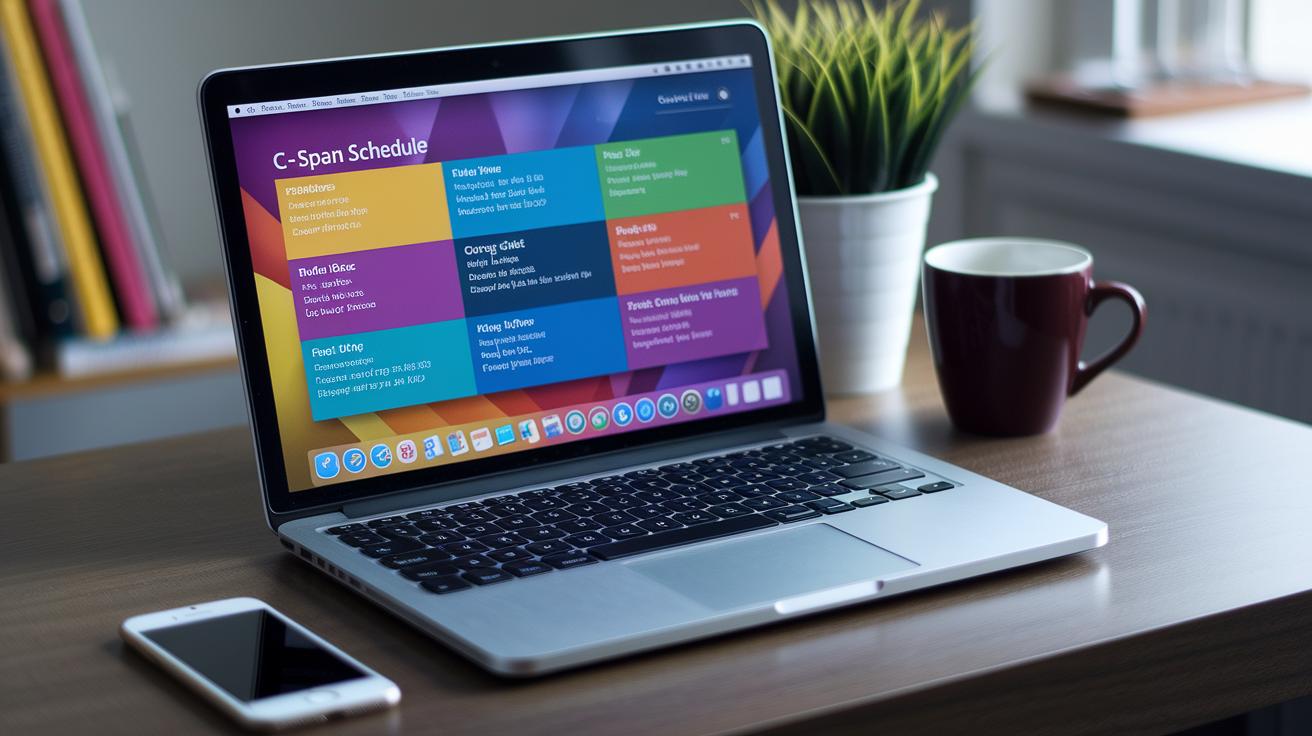
Looking to keep up with live events? The C-SPAN schedule page is your handy hub for tracking every broadcast. It lays out upcoming sessions by date, start time, and chamber, so you can easily pick the legislative review or federal meeting you’re interested in. And with filters letting you switch between congressional sessions, senate debates, and policy forums, you can quickly zero in on what matters to you. For example, if political forums are your thing, simply set the filter to show only those.
Need to match the schedule to your own day? A time-zone selector helps you adjust the display to your local time. Plus, you can add sessions to your personal calendar through iCal or Google Calendar links, ensuring you never miss important discussions or key federal webcasts.
Quick-nav links highlight the next 24-hour feeds, drawing your attention to the top public policy events. And here’s a neat fact: with just one click, you can sync your device to catch every live debate that shapes our government decisions.
Exploring Congressional Session Streams on C-SPAN
C-SPAN brings you full coverage of congressional sessions. It shows House debates, Senate votes, appropriations hearings, and even special investigations. Each live feed is set up to display the session title, the current speaker, and the bill or measure being discussed. One viewer shared, "When the debate got intense, seeing the vote tallies in real time made me feel right in the center of government action." This detail lets you see how major decisions are made.
An interactive panel makes watching even more engaging. It offers a live transcript for each session and includes short bios of the speakers. During special hearings, you might even get a chance to ask questions. This feature turns a standard committee broadcast into a lively, discussion-filled event.
The online streams come loaded with on-screen details like vote counts and information about legislative measures. Media outlets can easily share these streams using C-SPAN’s official embed code. This setup makes sure that updates from the Senate floor remain a trusted source for anyone interested in real-time government debates and legislative news. Together, these elements provide an open and immersive view of congressional work.
Accessing Archived C-SPAN Live Coverage Feeds

The C-SPAN Video Library is where you can browse every live broadcast, from House debates to Senate votes, and from committee hearings to policy forums. It’s all neatly organized by date, chamber, and topic, so finding something that catches your eye is a breeze.
You can search by key words or use handy filters like "committee session airing" or "policy discussion transmission" to trim down the choices. For instance, if you’re after an update on assembly proceedings, just type in the topic and the archive will pull up the related sessions. Plus, once you’ve found your event, you'll also see full transcripts and summary pages with extra details.
The best part? You can download clips or add them to custom playlists. This makes the archive great for research, education, or just catching up on what you missed. Many viewers love coming back to these streams because they offer a way to dig into complicated debates or zero in on the moments that really shaped their understanding of the lawmaking process.
Take your time exploring this extensive archive. Watch, learn, and maybe even pause to reflect on how every vote and speech builds up our public policy.
Enhancing Live Coverage with C-SPAN Commentary & Analysis
C-SPAN has stepped up its live streaming by adding expert commentary that makes every moment more understandable. Flagship shows like Washington Journal team up live analysts with the on-the-ground action. They explain roll-call votes and changes to legislation in clear, everyday language. For example, during a heated session, an analyst broke down how one amendment shifted the vote balance, making a complex debate much simpler to follow.
Special panels bring extra insight during key political sessions. These panels cover national policy forums and bipartisan committee discussions in real time. They discuss the background and possible effects of major government decisions. On-screen graphics, paired with sidebar links, also guide viewers to additional articles and official documents, adding depth to the live action.
The analysis segments go further than just opinion, they clearly explain each step leading to important decisions. They break down complicated issues into bite-size pieces that are both clear and engaging. Combining live analysis with raw footage turns a standard broadcast into a dynamic resource that keeps everyone informed about the happenings on Capitol Hill.
Interactive features like live transcripts and real-time updates ensure that viewers catch every twist and turn in the political debate.
C-SPAN Live Coverage on Mobile & Connected Devices

C-SPAN makes it really easy to stay updated while you’re on the move. With free apps for iOS and Android, you can watch live events, check the schedule, and even get push notifications on your phone. One viewer said, "I realized my phone turned into a portable news hub when I set up push notifications for live sessions."
If you like watching on a bigger screen, you’re covered there too. C-SPAN works with connected TVs via Roku, Apple TV, and Amazon Fire TV channels. And if you have Chromecast or AirPlay, you can quickly cast your stream from your mobile device to your smart TV.
You can also save select clips and programs to watch later offline, so you never miss an important moment, even when you’re away from the internet. Whether you're following a congressional inquiry or a civic event livestream, C-SPAN gives you the flexibility to catch every update, no matter where you are or what device you’re using.
Final Words
In the action of tracking live government events, we saw how C-SPAN brings real-time access to House debates, committee hearings, and more. The article walked us through interactive schedules, live transcripts, and mobile viewing options, making it easy to follow congressional sessions and expert analysis.
The guide shows that accessing C-SPAN live coverage is straightforward and engaging. Stay informed, gain clear insights, and enjoy the experience as you witness government in motion.
FAQ
Where can I stream C-SPAN live?
The question “Where can I stream C-SPAN live?” means you can watch C-SPAN’s 24/7 coverage of government events on C-SPAN.org, through cable or satellite providers, and on connected TV apps like Roku and Apple TV.
Can I stream C-SPAN for free?
The question “Can I stream C-SPAN for free?” indicates that yes, you can enjoy free live streams of House and Senate sessions on C-SPAN’s website and mobile apps without any charge.
Is C-SPAN a liberal channel?
The question “Is C-SPAN a liberal channel?” signifies that C-SPAN is a non-partisan network offering balanced coverage of government proceedings without political bias.
How do I watch C-SPAN on my TV?
The question “How do I watch C-SPAN on my TV?” explains that you can access live broadcasts using cable/satellite services or by using connected TV apps on devices such as Roku, Apple TV, or Amazon Fire TV.
How can I access C-SPAN live coverage on YouTube and online?
The question “How can I access C-SPAN live coverage on YouTube and online?” tells you that C-SPAN often streams its content on YouTube, and you can also watch free live coverage of channels like C-SPAN 2 and C-SPAN 3 through their websites.


